If you ever had to search for and open multiple programs from 5 months ago to see how this exact tool ran last time...
"What insert did we run last time, facing interrupted cuts in Inconel 625 ?"
"We had that 17-4 job dialed in 2 months ago. What feed on the roughing did we end up with ?"
"Which grade survived the Hastelloy on those last parts ?"
"Erik ran a similar manifold on the Hermle. What did he use for the deep bore ?"
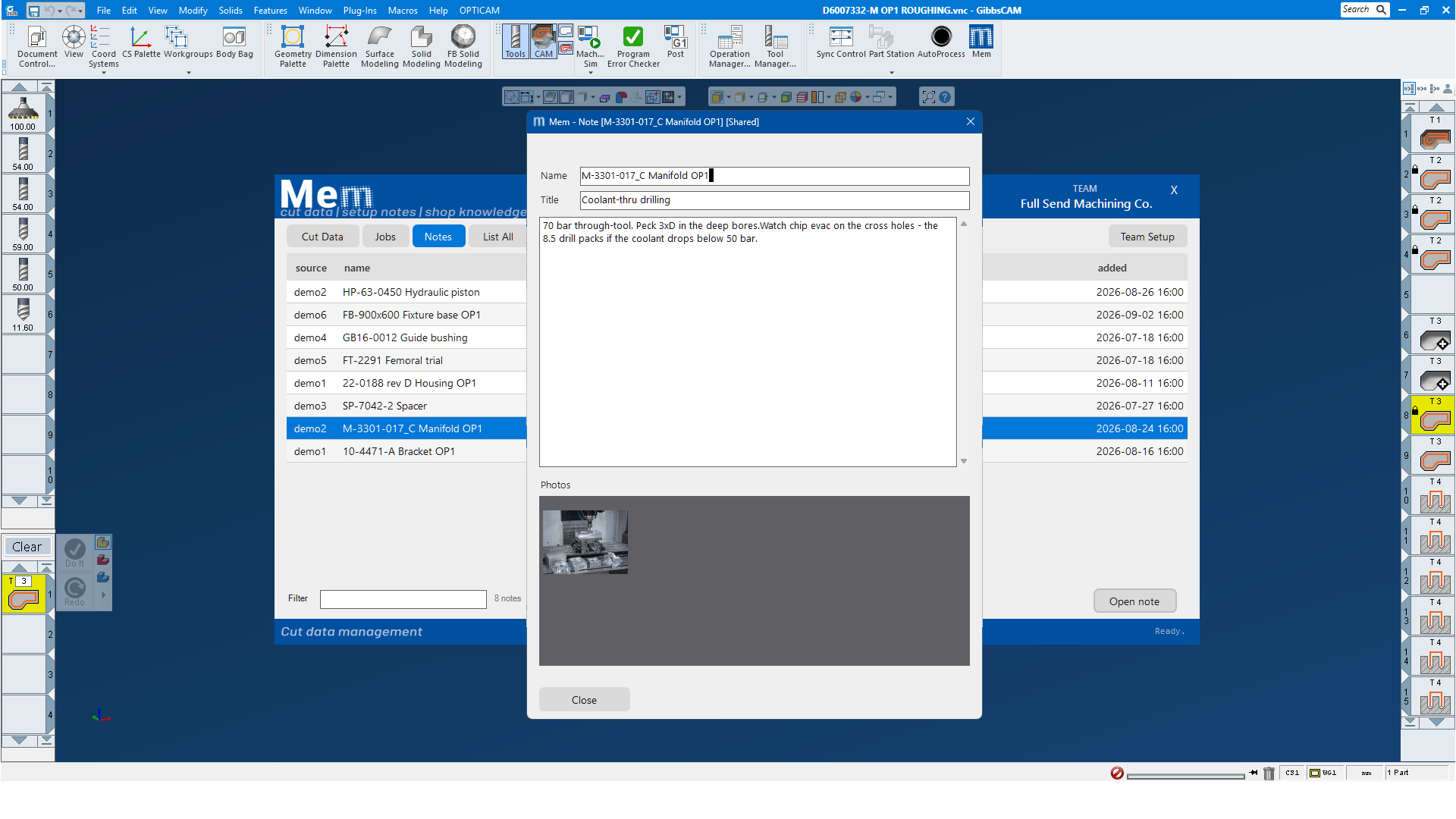
"Which side went up in op 1 ? There was a photo of the setup somewhere."
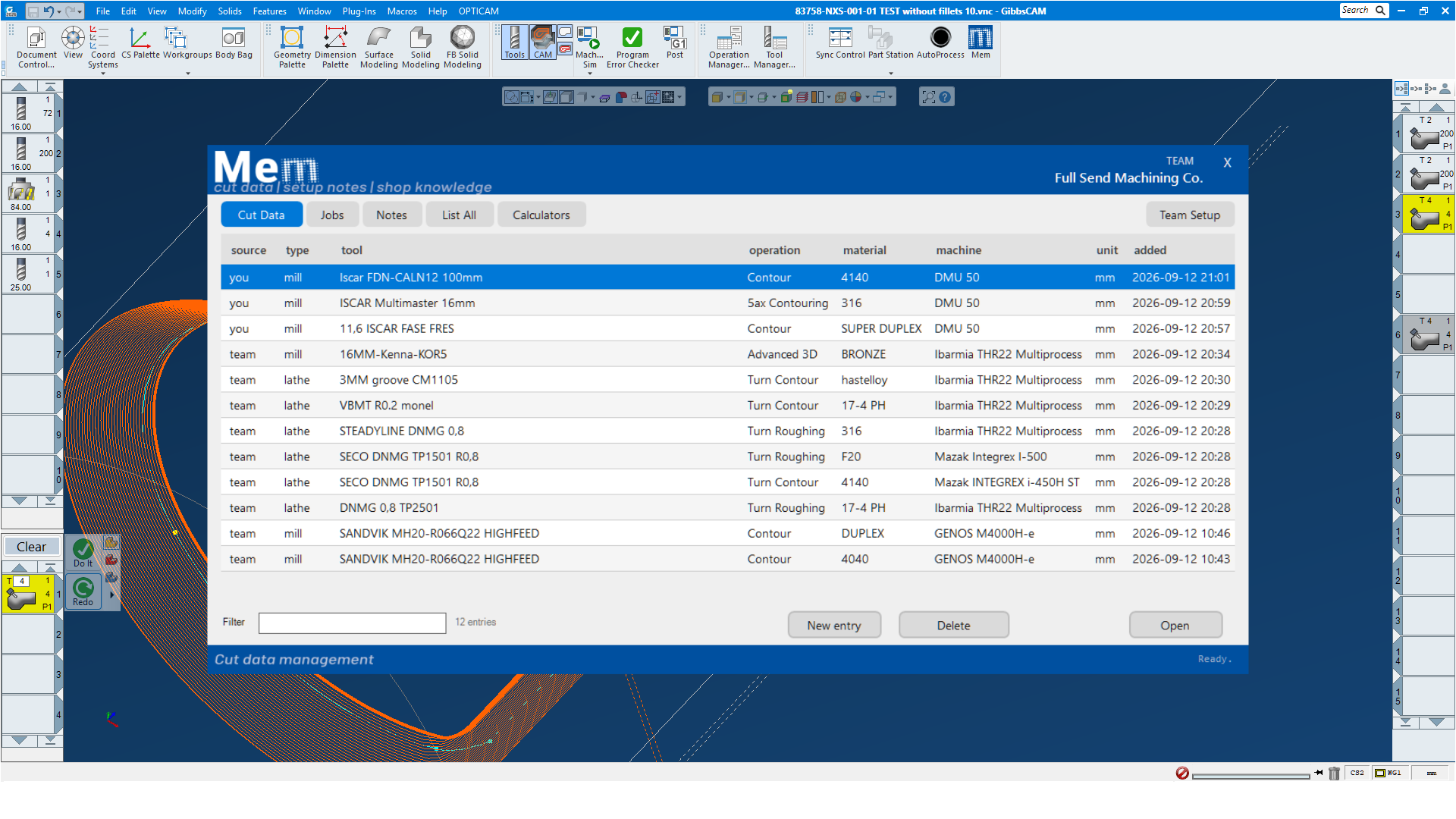
Mem can keep and organize your dialed in and working cut data, easily searchable and instantly available.
Mem Overview
Preserve the cutting data you tune and dial in...what tool, stickout, inserts, speeds, feeds, depth, stock, material, machine - for each spesific tool.
The next time you meet a difficult material or an familiar part in the same material, quickly look up the numbers that worked last time.
Store cut data for different materials for the same tool, speeds, feeds and cut depth that you know works. Add your own comments worth remembering.
Minimal typing, add an operation and its cut data with a few clicks - all data is taken from the selected GibbsCAM operation.
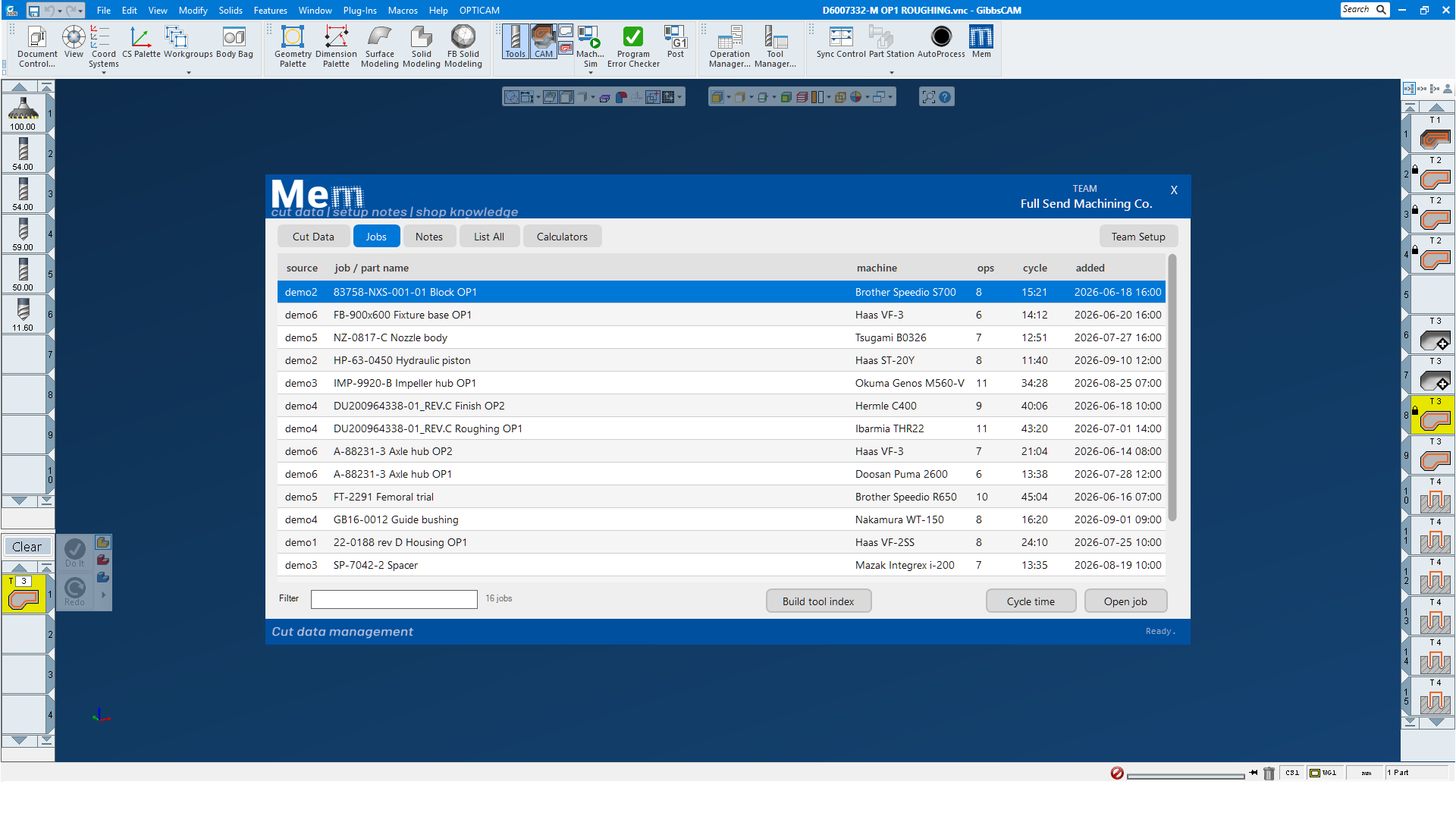
Save a whole program's cut data as a job in one shot, stores the tool info, cut data and cycle time of every operation.
Per job cycle time analyzer that shows where the minutes go with graphs.
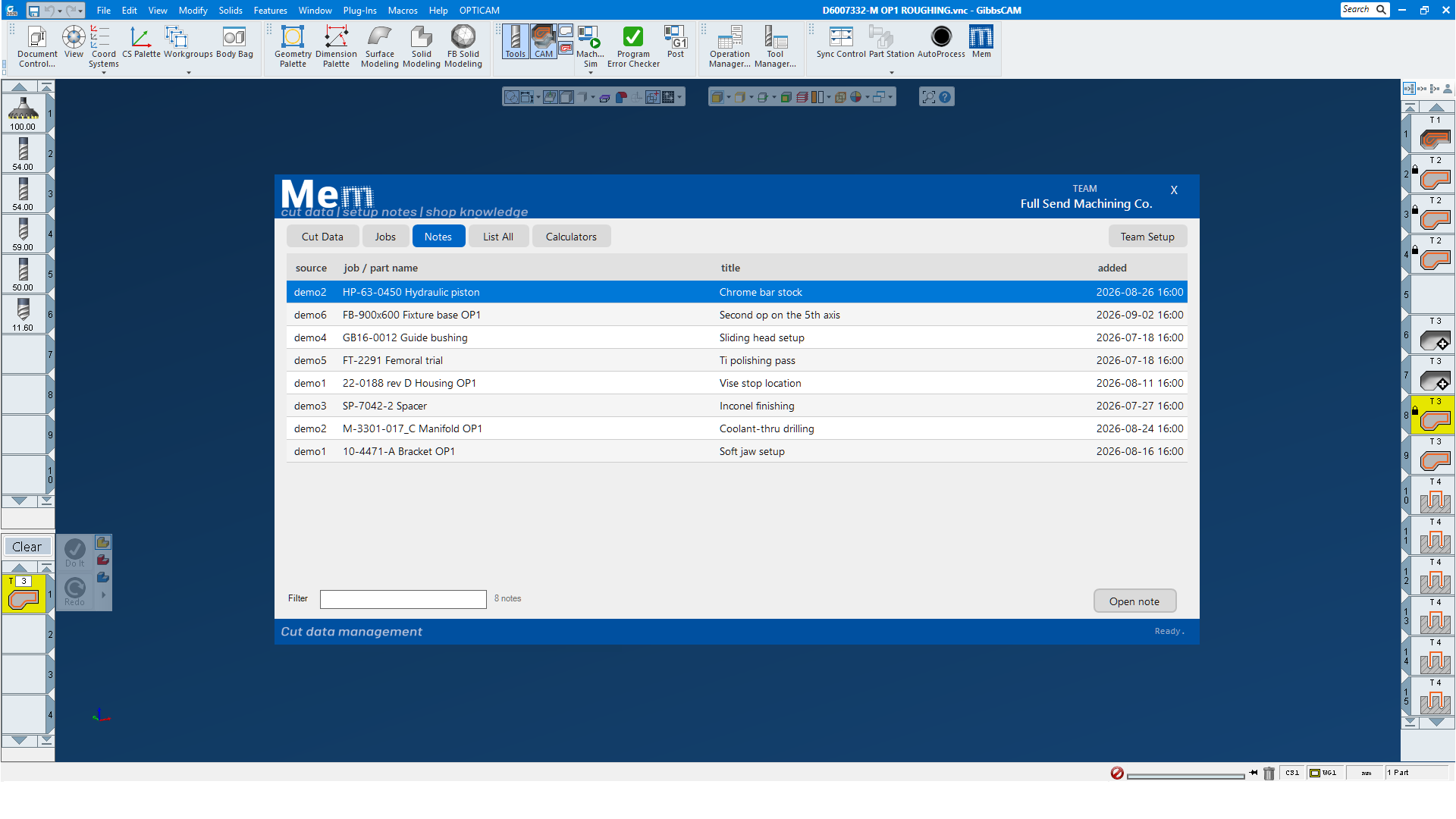
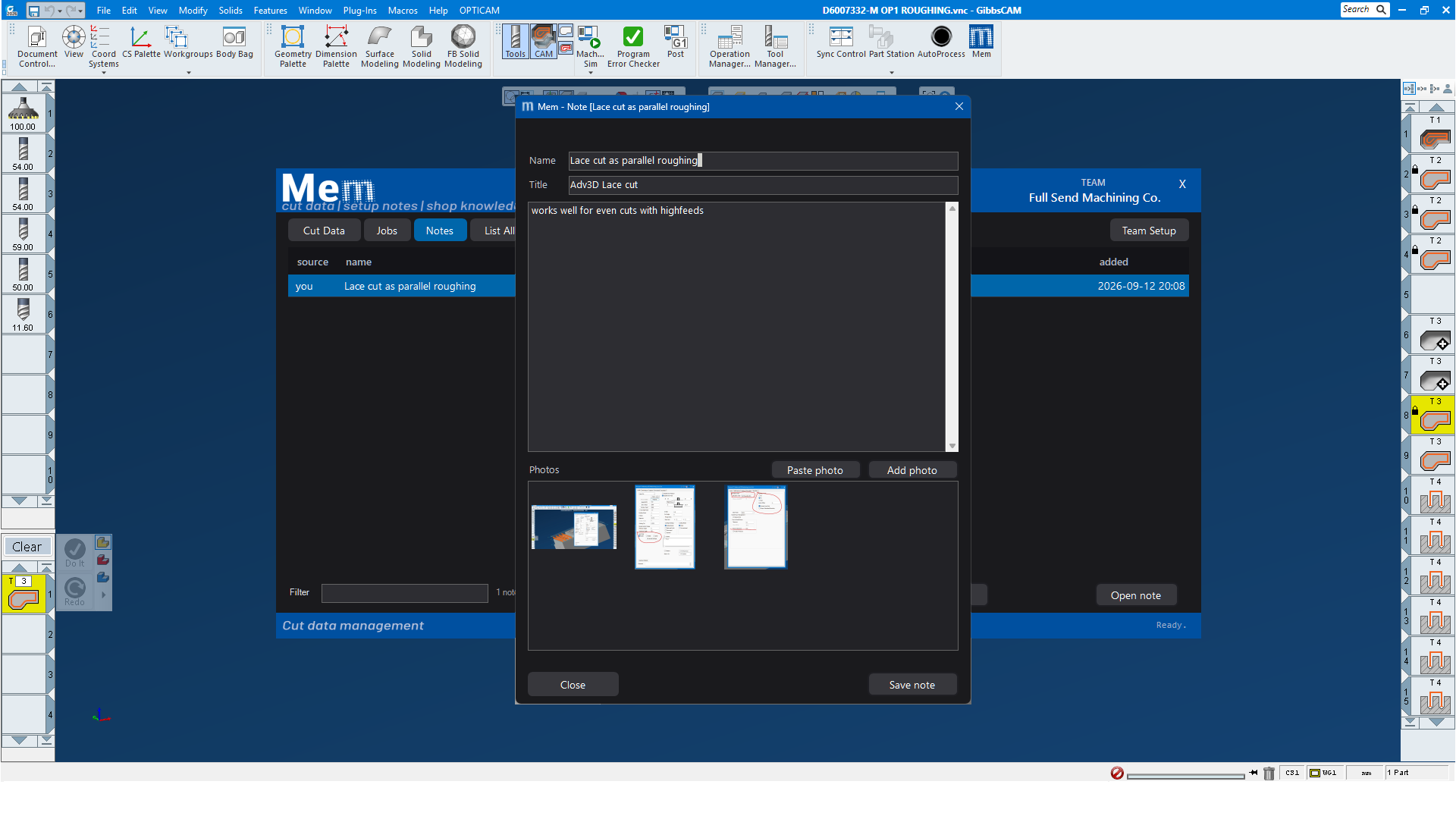
Create setup notes for different jobs with important notes and reference photos attached. Photos of vice positions, photos of op1,op2,etc.
Create notes for different GibbsCAM processes. Store different 5ax setups with screenshots of the dialogs to easily replicate later.
Mem Features
Select an operation and click 'Add to Mem'...thats it...Mem grabs the tool and cut data from the operations and stores it.
Mem cut data consists of tool info, rpm or surface speed, feed, depth of cut, stepover, stock, material, machine and coolant
The Mem browser stays open as a seperate independent window, keep it on a second screen while working in GibbsCAM.
The Mem browser interface have a default light mode but can also be set to use dark mode, see screenshots below.
Teams for shared shop knowledge
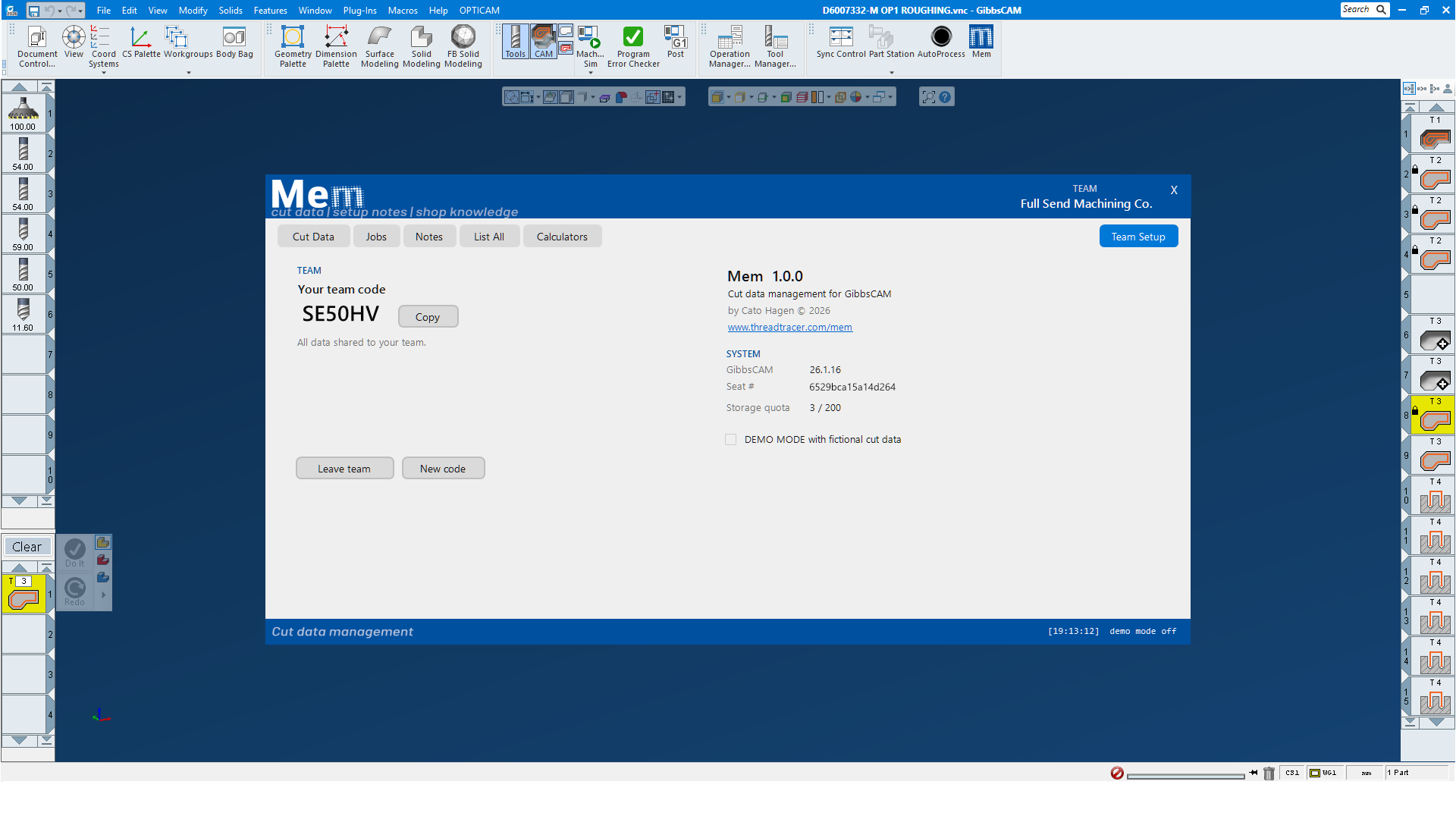
Create a team and combine cut data from multiple Mem users...all Mem data is available to everyone in the team.
Teams are created with generating a code, eveyone who joins with this code are part of your team.
Team data are instantly viewable and searchable by everone in your team.
Sharing as a team makes the shops combined cut data and knowledge available to everyone, an advantage for apprentices and new operators in training.
Mem Storage
All data are stored in a SQL database. By default Mem is set to use SQL storage on server at threadtracer.com
All data is sent through secure network traffic.
All stored photos are encrypted with AES-128bit, a standard for encrypting data.
Mem are free to use for storage upto 200 entries. This should cover alot of cut data for most cases
If you need more that 200 entries or want to store Mem data on your own SQL database, a purchased license is required.