Profile Tab
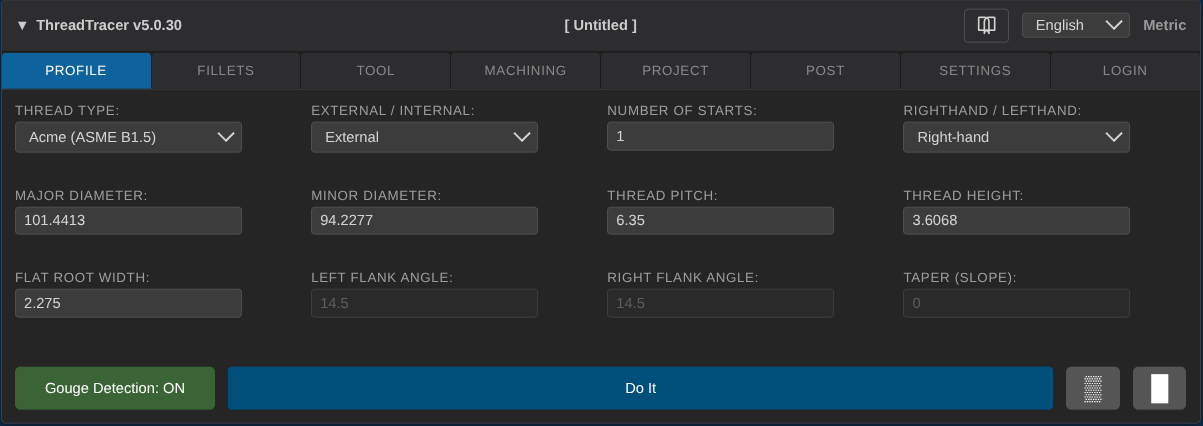
Control buttons
Use the blue 'Do It' button to start generating current defined profile.
The two small buttons to the right side toggle Roughing ▒ and Finishing █ passes.

Roughing disabled, Finishing disabled

Roughing enabled, Finishing disabled

Roughing disabled, Finishing enabled

Roughing enabled, Finishing enabled
Thread Type
To setup a thread using the built-in standards, select the thread type from the dropdown.
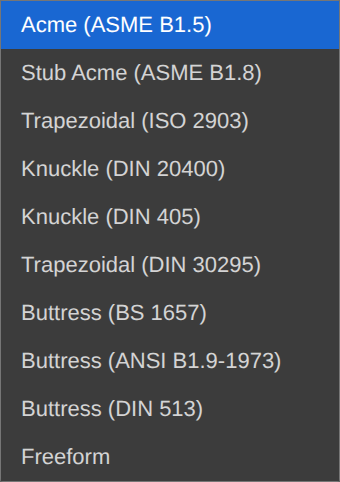
Each thread type opens a window where you can enter the Nominal, TPI (or pitch) and tolerance class.
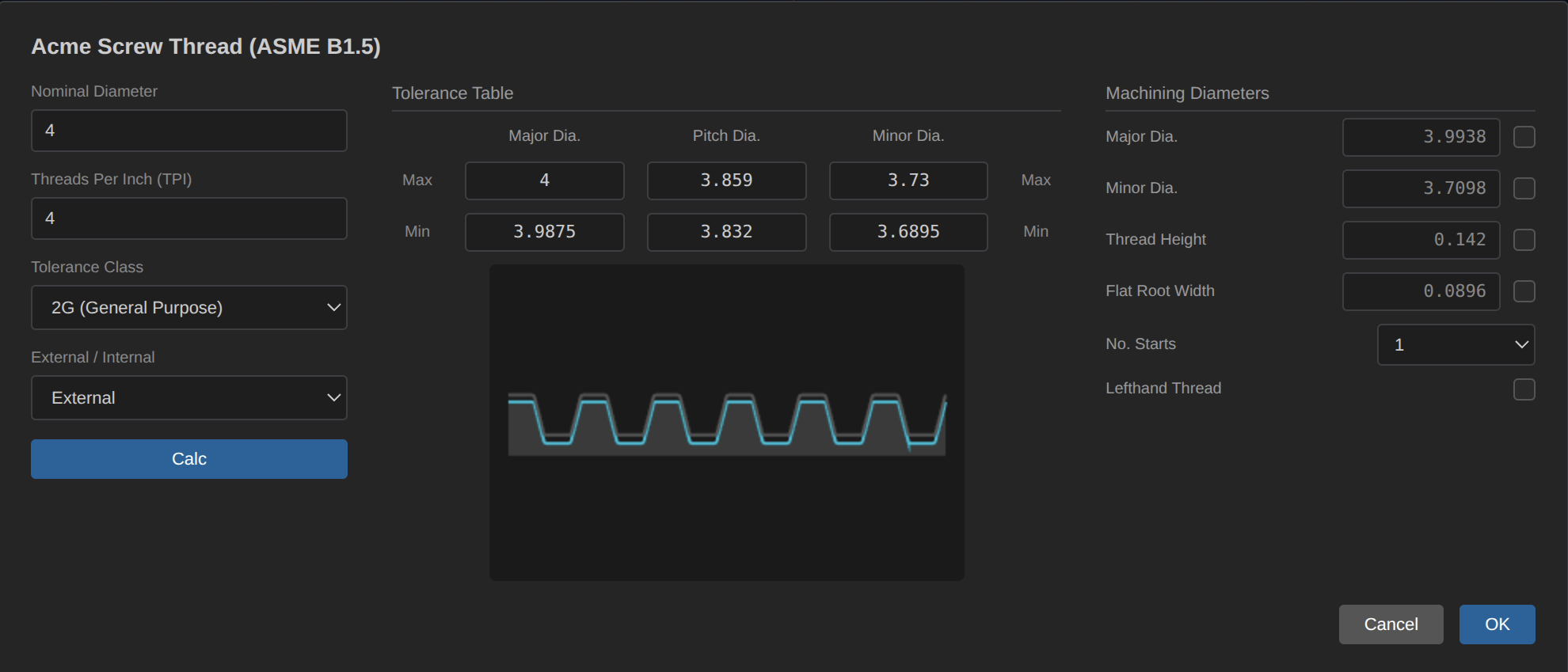
Pressing the 'Calc' button will calculate the allowed Major, Pitch and Minor diameter range according to the spec.
The Tolerance Table in the middle section show all the max and min values.
On the Machining Diameters on the right side, you can toggle the induvidual diameters and adjust.
By default Machining Diameters for Major and Minor are set to mean values of tolerance.
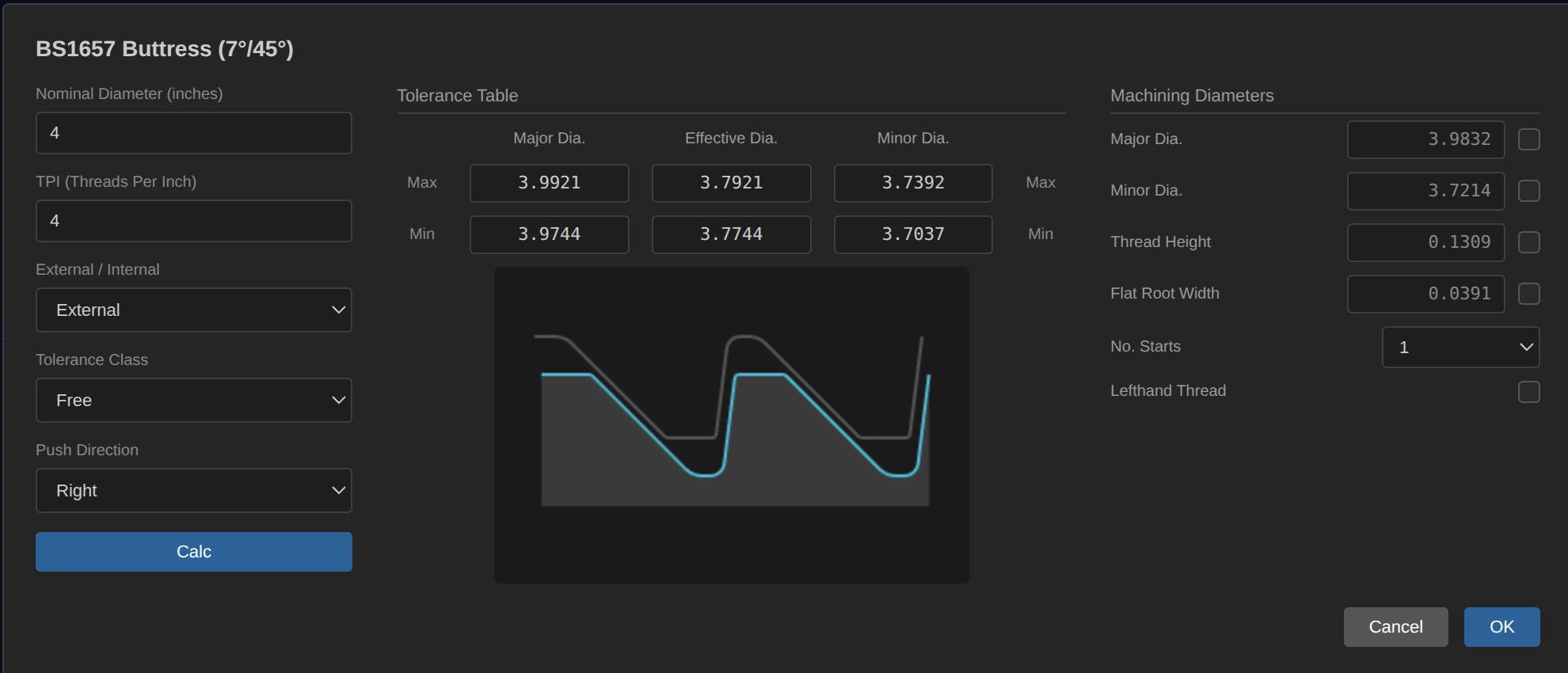
The small window under Tolerance Table shows a preview of the current thread profile (blue profile) from the calculated numbers,
the darker grey profile are the corresponding internal or external thread profile.